Tabs: Start Here, Dashboard, Setup, Expenses and Guest List. Click the tabs to look inside. Shown with the example numbers that come with it.
For couples planning the big day
Wedding Budget Planner
Set your budget, list every vendor and deposit, build your guest list, and see what is paid, what is still owed and what is due next.
- Instant download after checkout
- Works in Excel and Google Sheets
- 14-day money-back guarantee
- XLSXWedding Budget Planner.xlsx
- XLSXWedding Budget Planner - Example Filled.xlsx
- PDFREAD ME - Quick Start.pdf
Get it with the other three planners for $19 in the bundle.
Setting the budget? Try the free wedding budget calculator.
How it works, tab by tab
The same steps as the Start Here tab inside the file. Every picture is the real planner with its example numbers.
-
1
Set your budget
Enter your wedding date, total budget and guest count, then split the budget across categories. The % column helps you see each share.
Setup -
2
Add every vendor and expense
Venue, photographer, dress, flowers: add the estimate, the final price, deposits paid and the date the balance is due.
Expenses -
3
Build your guest list
Every guest with their side, RSVP, meal choice and table. Headcount and cost per guest update automatically, and the gift and thank-you columns mean nobody gets forgotten.
Guest List -
4
Check the Dashboard
Budget against actual for every category, what is paid, what is still owed, the next payments due, and the countdown to your day.
Dashboard
- Rename categories on Setup and every tab follows.
- Next payments due are listed in date order.
- Share it in Google Sheets so you can both edit it.
Pay the venue, watch what is still owed
A short clip recorded from the real file with its example wedding. Tap the clip to hear it.
Buy the Wedding Budget Planner for $9Can we both use it?
Yes. Open it in Google Sheets and share it with your partner, and you can both edit it.
Does it track deposits and due dates?
Yes. Each vendor has an estimate, final cost, paid so far, still owed and the date the balance is due. The dashboard lists the next payments due.
How does it split our budget?
On Setup you split your total budget across categories, and the % column shows each share.
Does it work with my currency?
Yes. It shows plain numbers, so any currency works.
How do I get the files after I pay?
Gumroad shows your download link right after checkout and sends it to your email, so you can download again later.
Which versions of Excel work?
Excel 2016 or newer, Microsoft 365, Excel for Mac and Excel on the web. The planners use standard formulas and no macros. Apple Numbers is not supported.
Is this a subscription?
No. You pay once and the files are yours to keep.
What if it is not right for me?
Reply to your Gumroad receipt within 14 days and we will refund the full price. See the refund policy.
The other planners
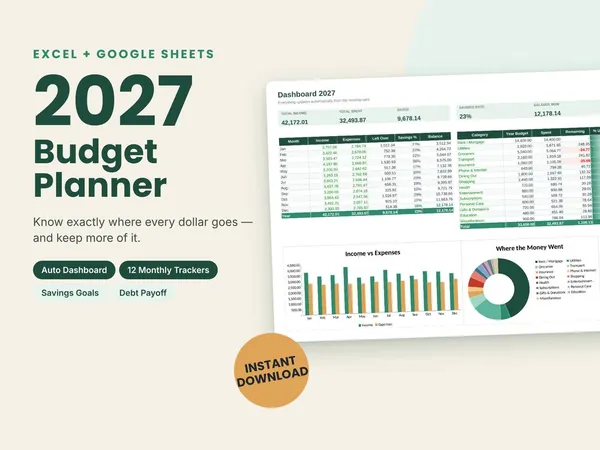
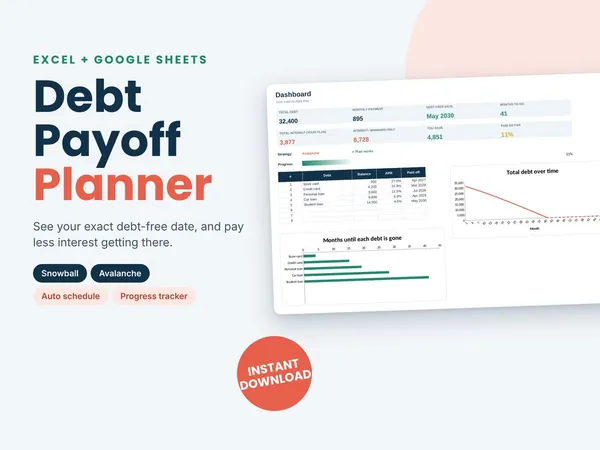
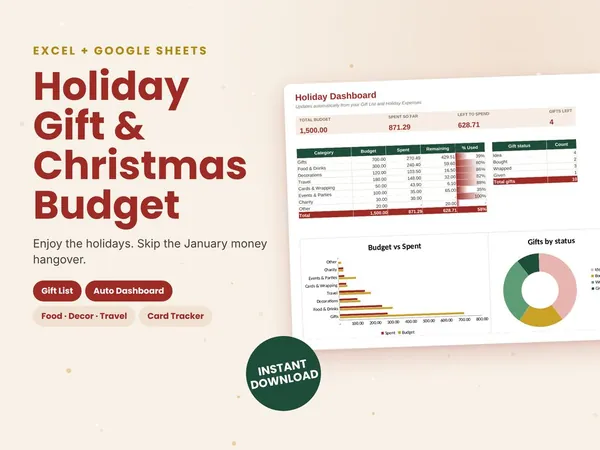
All four planners for $19Bought one by one they cost $32. You save $13.
Get the bundle for $19