18 tabs: Start Here, Setup, Dashboard, one for each month, Annual Summary, Savings Goals and Debt Payoff. Click the tabs to look inside. Shown with the example numbers that come with it.
For your everyday money, all year
2027 Budget Planner
Track your income, spending, savings goals and debt in one file. Log as you go, and the dashboard, charts and red alerts update by themselves.
- Instant download after checkout
- Works in Excel and Google Sheets
- 14-day money-back guarantee
- XLSX2027 Budget Planner.xlsx
- XLSX2027 Budget Planner - Example Filled.xlsx
- PDFREAD ME - Quick Start.pdf
Get it with the other three planners for $19 in the bundle.
Starting from zero? Try the free 50/30/20 calculator or the savings goal calculator.
How it works, tab by tab
The same steps as the Start Here tab inside the file. Every picture is the real planner with its example numbers.
-
1
Set up in about 5 minutes
On the Setup tab, type your starting balance, rename the income and expense categories to match your life, and give each expense category a monthly budget.
Setup -
2
Log as you go
Each month has its own tab. Add income on the left and expenses on the right, and pick the category from a dropdown. Totals, what is left and % used update by themselves.
Jan -
3
Check the Dashboard
The whole year at a glance: income, spending, savings rate, a running balance, budget against actual for every category, and two charts.
Dashboard -
4
Save for something
Set targets like an emergency fund, a holiday or a car. The sheet works out how much to put aside each month to hit the date.
Savings Goals -
5
Pay down your debt
List each debt and log your monthly payments. Progress bars show how close you are to zero.
Debt Payoff -
6
Review the year
Every category for every month side by side, so you can spot where money leaks.
Annual Summary
- Rename a category on Setup and every tab follows the new name.
- Spending with no category shows in red, so nothing slips through.
- In Google Sheets the dropdowns and charts come across too.
Your whole year on one dashboard
A short clip recorded from the real file with its example numbers. Tap the clip to hear it.
Buy the 2027 Budget Planner for $9Can I change the categories?
Yes. Rename any income or expense category on the Setup tab and every tab follows the new name.
Does it work in Google Sheets?
Yes. Go to sheets.google.com, choose File, then Import, upload the file and pick Replace spreadsheet. The dropdowns and charts come across too.
What if something has no category?
It shows in red under Not categorised on that month, so nothing slips through.
Does it work with my currency?
Yes. The planner shows plain numbers, so it works with dollars, pounds, euros or any other currency.
How do I get the files after I pay?
Gumroad shows your download link right after checkout and sends it to your email, so you can download again later.
Which versions of Excel work?
Excel 2016 or newer, Microsoft 365, Excel for Mac and Excel on the web. The planners use standard formulas and no macros. Apple Numbers is not supported.
Is this a subscription?
No. You pay once and the files are yours to keep.
What if it is not right for me?
Reply to your Gumroad receipt within 14 days and we will refund the full price. See the refund policy.
The other planners
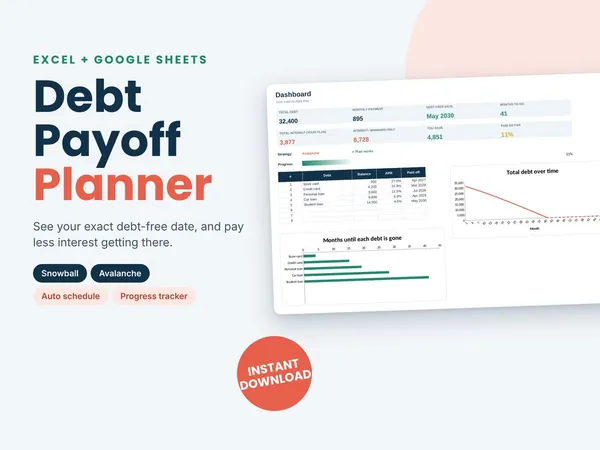
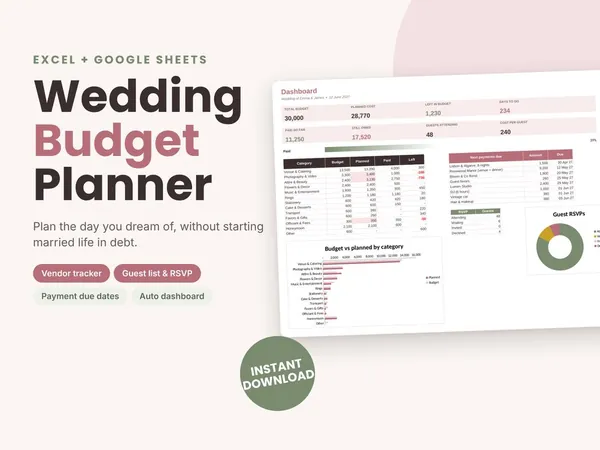
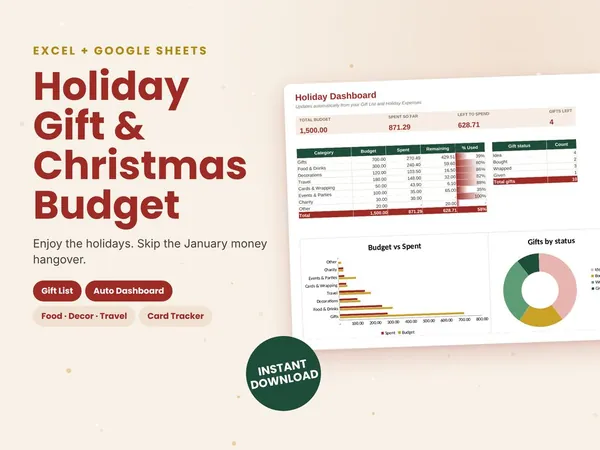
All four planners for $19Bought one by one they cost $32. You save $13.
Get the bundle for $19