Tabs: Start Here, Dashboard, My Debts, Strategy, Payment Log and Schedule. Click the tabs to look inside. Shown with the example numbers that come with it.
For credit cards, car loans and student loans
Debt Payoff Planner
List your debts, choose snowball or avalanche, and see your debt-free date, your total interest and what you save compared with paying only the minimums.
- Instant download after checkout
- Works in Excel and Google Sheets
- 14-day money-back guarantee
- XLSXDebt Payoff Planner.xlsx
- XLSXDebt Payoff Planner - Example Filled.xlsx
- PDFREAD ME - Quick Start.pdf
Get it with the other three planners for $19 in the bundle.
Not sure which method yet? Try the free debt payoff calculator or the credit card payoff calculator.
How it works, tab by tab
The same steps as the Start Here tab inside the file. Every picture is the real planner with its example numbers.
-
1
List your debts
Enter up to 8 debts: the name, current balance, interest rate (APR) and minimum monthly payment.
My Debts -
2
Pick your strategy
Avalanche pays the highest interest first and saves the most money. Snowball pays the smallest balance first for faster wins. Add any extra you can pay each month.
Strategy -
3
See your plan
Your debt-free date, total interest, and how much you save compared with paying only the minimums.
Dashboard -
4
Log real payments
Each time you pay, add it to the log. Your progress bar and paid-so-far update automatically.
Payment Log -
5
Watch it roll over
Every payment, month by month. When one debt is gone, its payment rolls into the next one automatically.
Schedule
- Up to 8 debts: credit cards, store cards, car, student and personal loans.
- Switch between snowball and avalanche and every date updates.
- Estimates assume fixed rates and on-time payments. Not financial advice.
See which debt is gone first
A short clip recorded from the real file with its example figures. Tap the clip to hear it.
Buy the Debt Payoff Planner for $7Snowball or avalanche: which should I pick?
Avalanche pays the highest interest rate first and usually saves the most money. Snowball pays the smallest balance first, so you see wins sooner. Switch on the Strategy tab and compare the dates and interest.
How many debts can I add?
Up to 8.
What happens when a debt is paid off?
Its payment rolls into the next debt automatically. That is the snowball effect.
Is this financial advice?
No. It is a planning tool. The estimates assume fixed rates and that you pay on time every month.
How do I get the files after I pay?
Gumroad shows your download link right after checkout and sends it to your email, so you can download again later.
Which versions of Excel work?
Excel 2016 or newer, Microsoft 365, Excel for Mac and Excel on the web. The planners use standard formulas and no macros. Apple Numbers is not supported.
Is this a subscription?
No. You pay once and the files are yours to keep.
What if it is not right for me?
Reply to your Gumroad receipt within 14 days and we will refund the full price. See the refund policy.
The other planners
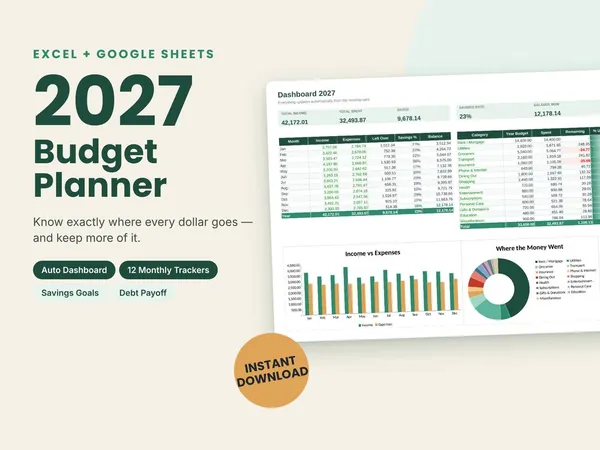
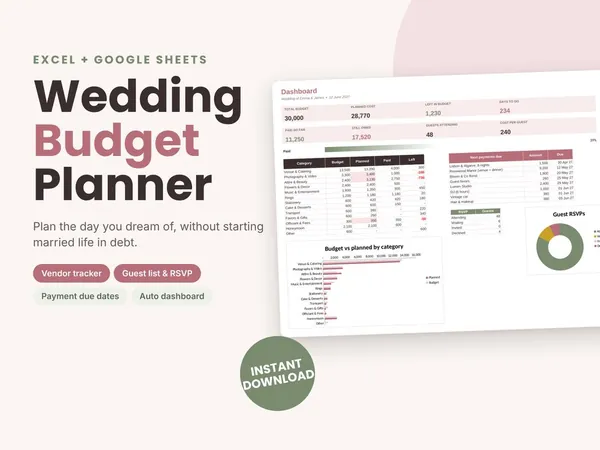
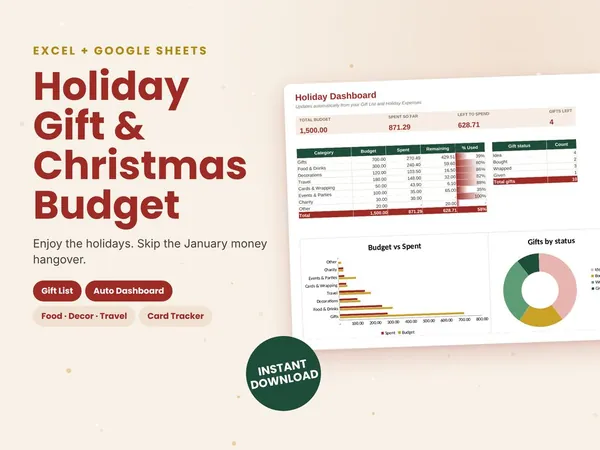
All four planners for $19Bought one by one they cost $32. You save $13.
Get the bundle for $19