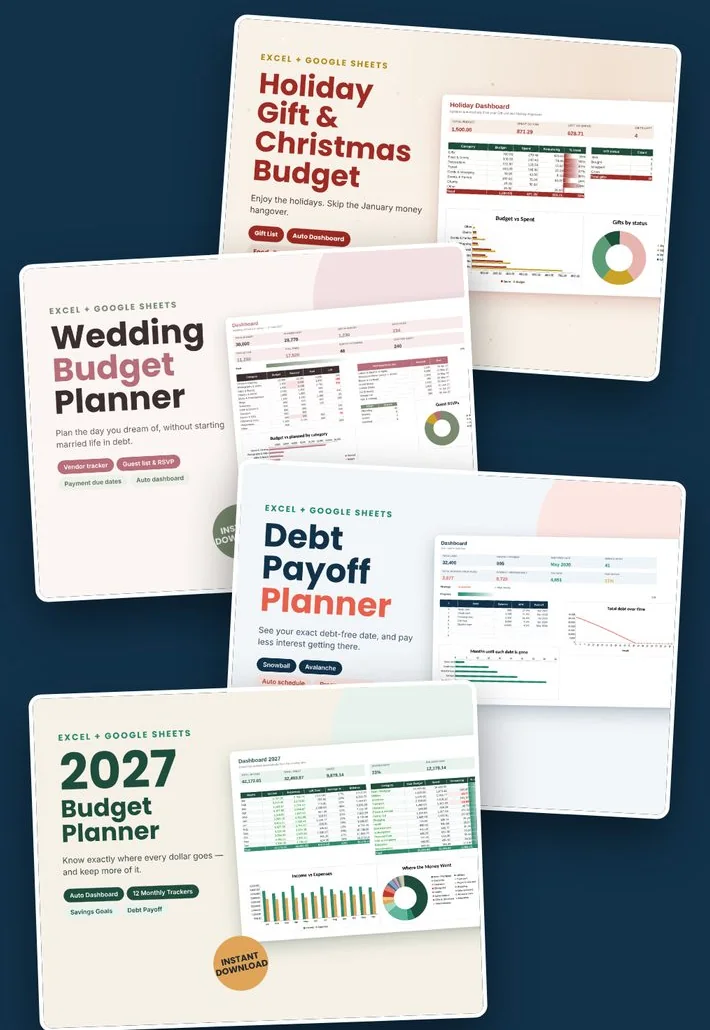
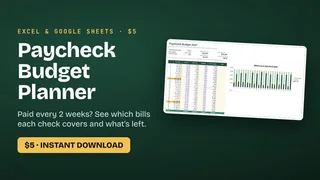
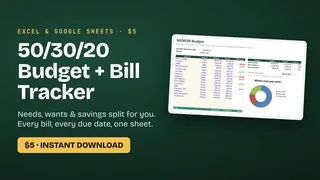
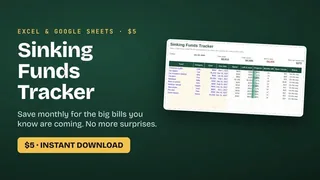
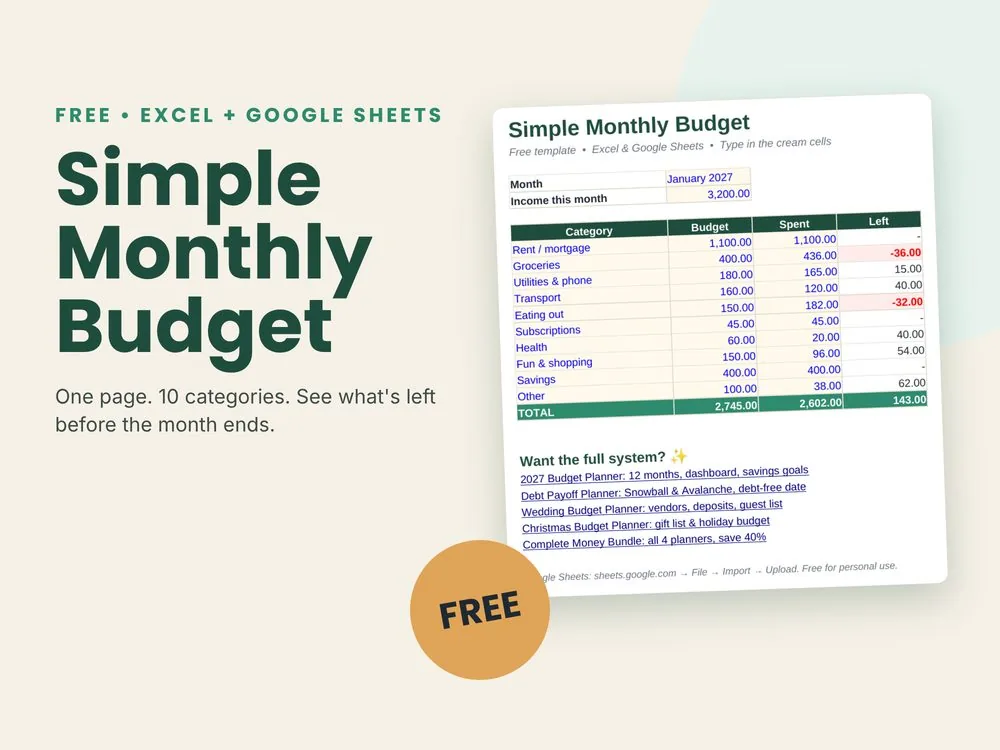
Spreadsheet planners for your monthly budget, your debts, your wedding and Christmas. Type in your numbers. The totals, charts and red alerts update on their own.
One payment. Instant download. 14-day money-back guarantee.
Or pick the one you need
Each planner is an Excel file that also opens in Google Sheets. It comes with a filled-in example, so you can see how it works before you type your own numbers. Click the tabs to look inside.
2027 Budget Planner.xlsx
18 tabs: Start Here, Setup, Dashboard, one for each month, Annual Summary, Savings Goals and Debt Payoff. Shown with the example numbers that come with it.
For your everyday money, all year
2027 Budget Planner
A dashboard for the whole year: income, spending, savings rate and balance
12 monthly tabs. Log an expense and its category turns red when it goes over
Savings goals that tell you what to put aside each month, plus a debt tab
You get: The blank planner, a filled-in example and a Quick Start PDF.
Checkout takes a minute. Your download link appears on screen and in your email.
2
Open it in Excel or Google Sheets
In Google Sheets, choose File, then Import, then Upload. Google Sheets is free.
3
Type your numbers in the cream cells
The dashboard, the charts and the red alerts fill in by themselves.
Why a spreadsheet and not an app?
Budgeting apps are great for some people. Here is what you get with a planner file instead.
What matters
Budget Planner 2027
Most budgeting apps
Price
Pay once, from $5
A monthly or yearly subscription
Bank login
Never needed
Usually asks you to connect your bank
Your numbers
Stay in your own file
Stored on the app's servers
Making it yours
Rename categories, add rows, change anything
Limited to the app's settings
If you stop paying
Nothing changes, the file is yours
You may lose access
We're new, so here's an honest promise
Budget Planner 2027 is a small independent shop that opened in October 2026. There are no customer reviews on this page yet, and we won't make any up. When buyers leave reviews on Gumroad, they'll show up here.
Until then: try the free budget, click through every tab above, and remember you have 14 days to get your money back.
No. Every planner also works in Google Sheets, which is free. Go to sheets.google.com, choose File, then Import, and upload the file.
Which versions of Excel work?
Excel 2016 or newer, Microsoft 365, Excel for Mac and Excel on the web. The planners use standard formulas and no macros. Apple Numbers isn't supported.
How do I get the files after I pay?
Gumroad shows your download link right after checkout and sends it to your email, so you can download again later.
Does it work with my currency?
Yes. The planners show plain numbers with no currency sign, so they work with dollars, pounds, euros or any other currency.
Is this a subscription?
No. You pay once and the files are yours to keep.
Can I use it on my phone?
Yes, in the Google Sheets or Excel app. The first setup is easier on a computer.
Is checkout safe?
Checkout runs on Gumroad, a payment platform that many independent creators use. Gumroad handles the payment and we never see your card details.
Is my financial information safe?
The planners never connect to your bank and send nothing anywhere. Everything you type stays in your own file.
What if it's not right for me?
Reply to your Gumroad receipt within 14 days and we'll refund the full price. See the refund policy.